This is a great reminder to follow the advice of a previous article here about the blurring of sensitive data.
1) If you care about the data, don't blur. Black it out, entirely.
2) If you don't want to black it out for aesthetic reasons, then you don't care enough about the data being private.
3) Black out every pixel, every time.
Pixelation is better than blurring but also not sufficient unless you use huge blocks.
If it's an aesthetic thing, someone could make a tool that looks like it's blurring, but actually puts in fake data and then blurs that.
But anyone who knows or cares enough to go download a purpose-made tool for censoring images probably just opened it in Paint and drew a black rectangle.
> If it's an aesthetic thing, someone could make a tool that looks like it's blurring
The classy thing to do would be to replace it with a real QR code that spells out "remember to drink your ovaltine" but is damaged enough you need about a million brute force attempts to decode it.
An alternative to black out is to interpolate the pixels at the borders of the "blacked out" box. I've seen it done to suppress logos on images, in many cases it's barely intrusive.
Applied to that QR-code, the currently blurred out part would be entirely white —because the original QR-code was surrounded by a white background.
That should take care of many aesthetic concerns, without using a single bit of secret information for the final rendering.
until you run into a government agency that thinks drawing a black box over something in a PDF is acceptable redaction, where the PDF is exported/published to the public in its full vector/metadata markup format, not a raster image... hilarious when you can just highlight and copy/paste to get whatever text is hidden. Have seen it several times.
be careful asking non technical employees, sans training, to "just draw a black box over it", is what I'm saying.
The govt should write themselves a virtual printer that would take in the data stream and output a PDF made of individual images. A typical print-to-PDF virtual printer, but government-sanctioned, and they could also make it do something like store the document in an audit database or whatever, just to give people a strong incentive not to skip it or use anything else.
It does open another risk of nation state style attacks that compromise the virtual print driver in a manner that it does not redact information, or encodes 'hidden' information into the format of the document. That seems easier to do with a digital print driver than with the messy digital to analog conversions that occur in a scanner/printer.
That would be interesting and not hard to setup. Install cups on some box, definitely not the host containing sensitive info, and you have a limited, auditable outbound channel.
Well if you can blur an arbitrary section you can, even if not black-black, just choose an average and write over everything with that (so adaptive grey).
I may misinterpret what you mean by “print it back as image to PDF printer”, but I doubt that removes the text. When printing the document, the program likely will just render the text first, and the black box over it. Reason? To be able to skip rendering the text, the computer must know:
- a black box will get drawn over it.
- that box completely covers the text.
- that box will be drawn opaquely.
Verifying that isn’t easy.
Save to .png is safer. It doesn’t support layers, so what you see is what you get.
PDF-xChange keeps text as text if printed normally, completely selectable, vectorized, but changes and rasterises it to image if printed as image, pixelated and jpeg-ized. At about 200% zoom it is clearly visible that it is pixelated, and nothing else.
The technique has been done before and the text string of the private key would probably be the easiest point of attack.
WHY BLURRING SENSITIVE INFORMATION IS A BAD IDEA[2]
RESTORATION OF DEFOCUSED AND BLURRED IMAGES[3]
Take away: black out any and all sensitive information. Blurring just marginally reduces the independence of the bits presented in blurred output. To have privacy, all dependence must be eliminated, e.g. black out.
In addition to just blacking out, it's also important to screenshot the content if you are able to and then black it out. Otherwise you may leak meta data or pre-rendered thumbnails. The reason you screenshot first and black out second is that it reduces the chances of you mixing up which file to upload.
Also, even more basic: don't just redact a PDF by adding black boxes over the text as a new layer. The text data is still there. (Yes, this has been a source of leaks on numerous occasions.)
Similar thing happened in Australia recently. Every member of parliament and senators have their phone bills published to the government website as part of public disclosure.
What happened though is instead of deleting their phone numbers, the contractor who was in charge of this simply changed the font colour of their phone number to white (same as the background).
So if you looked at the PDF, it looked normal. If you highlighted the text - the phone number instantly showed up. Also viewing google "text" cache version showed the number too. As a result - hundreds of their personal phone numbers were available to anyone and everyone.
A criminal was caught after they released their own picture with a swirl filter applied to their face. Unfortunately for the criminal, a swirl is reversible.
Gaussian blur is mathematically reversible, but in practice you don't have enough resolution to successfully deconvolve the original image. However in the case of video you have multiple images and you can reconstruct a "super-resolution" image by combining frames. I'm sure there is a tool somewhere that can do this, there are too many secrets being shown blurred on TV to pass ...
This was a great story which previously didn't hit the front page. I'm glad for the re-submit policy. I enjoyed learning about the build structure of QR codes. Years ago I chose to learn how barcodes are constructed so that I could create custom barcodes for my college library. Having access to nothing more than Microsoft office, I naively decided that a whole lot of conditional formatting rules would be enough to build the thing in Excel. And I was right! But it's not a method I would recommend anyone ever attempt.


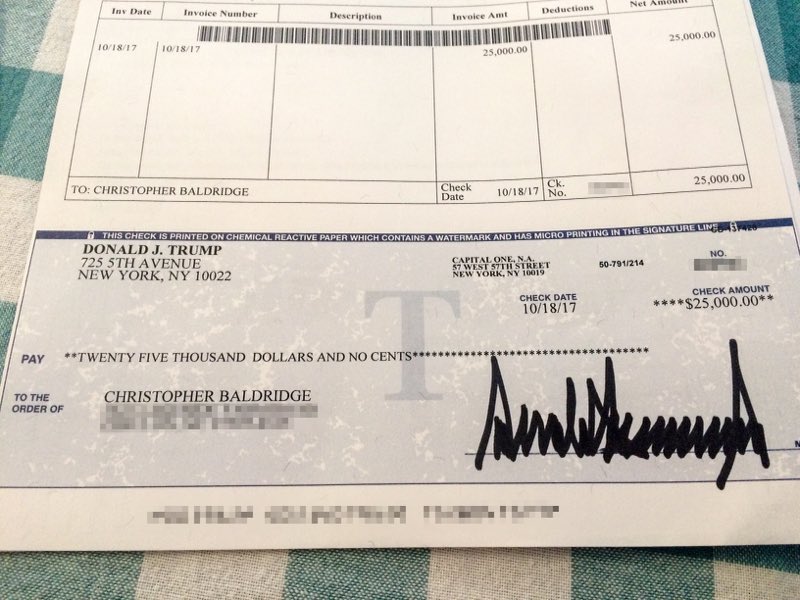
1) If you care about the data, don't blur. Black it out, entirely. 2) If you don't want to black it out for aesthetic reasons, then you don't care enough about the data being private. 3) Black out every pixel, every time.