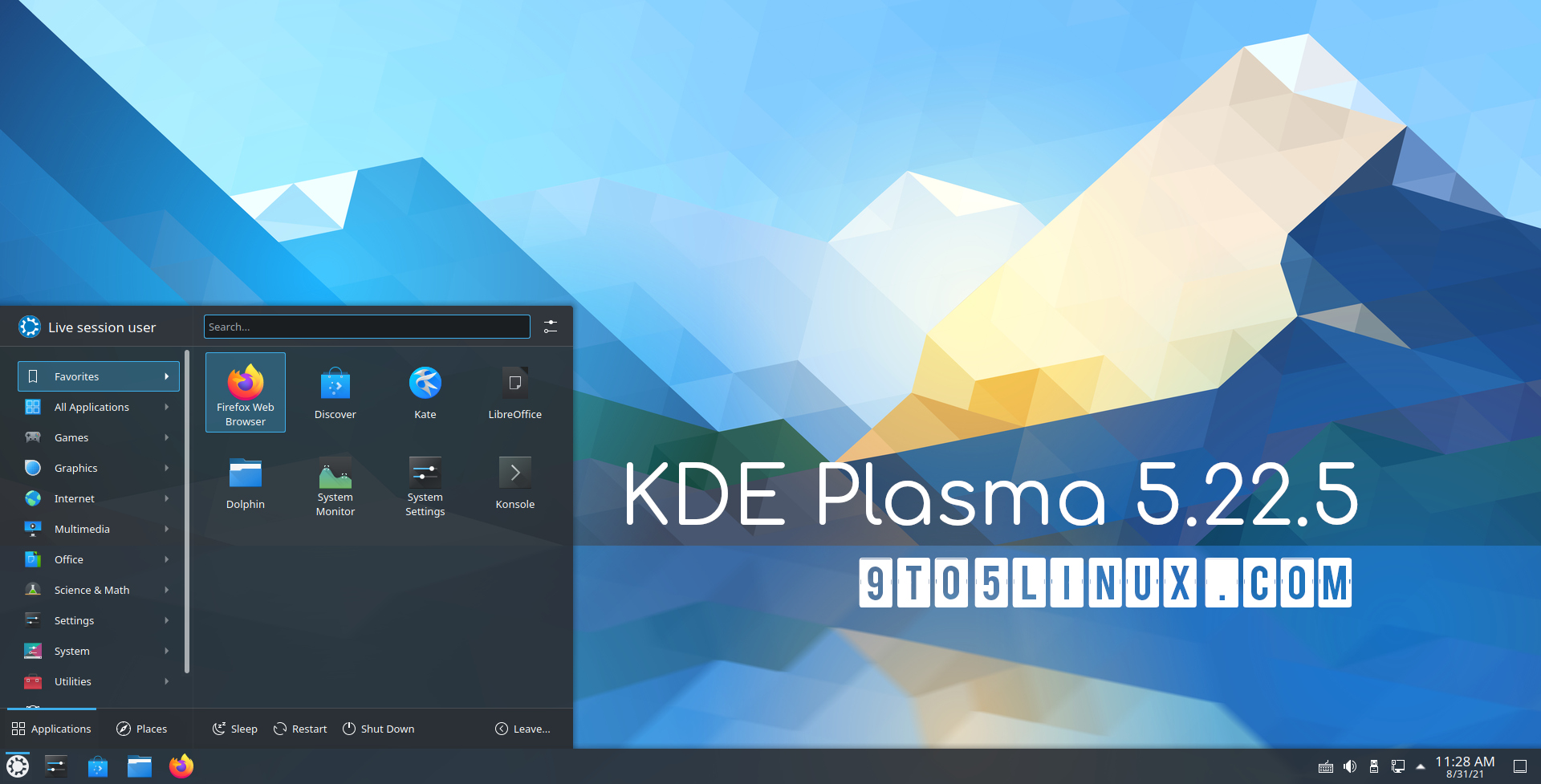
I have used themes like this on Linux and also some to make it look like MacOS. What I really want on Linux are tools that are written to be exactly like Windows, no more no less. Why? Well in addition to the numerous OS related problems I seem to encounter every time I go back and do a clean install of a distro like Ubuntu I am also annoyed by how poorly designed many of the basic tools like the calculator is. The Windows calculator is so simple that it makes it super easy to hop in, do a quick calculation via the numpad and jump out. Just copy it exactly. To this day there is still no default Paint program as good as MSPaint. MSPaint is great for pasting screenshots, quickly cropping/cutting and then saving. On linux you gotta install some other junk like Gimp/Krita/whatever else the typical forum dwellers recommend this month. Just please give me MSPaint on Linux. Nothing more, Nothing Less.
From a typical "forum dweller" this seems like an argument to familiarity not quality.
Lets give an example what does Krita call itself? It says
> Krita is a professional FREE and open source painting program. It is made by artists that want to see affordable art tools for everyone.
    concept art
    texture and matte painters
    illustrations and comics
Doesn't sound like what one would use to crop and share screenshots.
Gimp looks more favorable. It is comparatively slow to start 3.7 seconds here. Lets look how challenging it is to make that work. Well there is a crop tool on the main tool box. Mousing over it helpfully notes you can press Shift+c if you want to do it slightly easier. If you don't like the split between export and save and just want it to save and shut up I recommend an addon called save-export-clean and a handy binding in my case just alt+x.
If you find yourself creating a series of screenshots for example for an article or howto or some such instead of taking a screenshot, then opening it in gimp you can from gimp take a screenshot of a window, part of a window, or the entire screen and immediately edit it in gimp. Seems this is pretty suitable.
Maybe you don't actually need any of the things gimp does? Well Kolourpaint is basically a better mspaint and opens in 400ms. It has an obvious selection tool. Select what you like and hit control+t to crop to selection. Control+s to save and your done.
Maybe there is a way to do this with less steps yet? Enter flameshot. Click an icon or hit printscreen and click and drag what you would like to screenshot to the correct size. While you are at it You can do light annotations and optionally open it in an actual editor. You can even with a button share it to imgur if you just want a quick way to show someone something. Want the old behavior of just hitting printscreen saving the screen contents to clipboard no problem bind flameshot full -c
Want the full windows experience bind flameshot full -c to print and open up kolourpaint and hit control+v
Kolour Paint is really good - basically a much improved version of MS Paint in terms of interface and simplicity. I run a GNOME system but I still use the Klour Paint flatpak since it's so good.
Darn, its the new calculator. I actually delete this on a fresh Windows 10 install and if you search, there is an installer floating around that re-adds the Windows 7 calculator. It takes much longer for this new calculator to boot up and you can feel the bloat when using it.
A UNIX environment is something that I cannot live without. Furthermore Windows is also slowly throwing out their rock solid tools and replacing them with garbage. For the time being I am on a life raft using MacOS which gives me a reasonably designed GUI environment/tools + a solid UNIX foundation. But MacOS is also slowing sinking. It would be nice to have a well designed Linux environment with good simple tooling. That way you have everything: UNIX + freedom + good tools. I've tried writing my old simple tools but I seem to struggle using GTK. Its a long term goal to port all these old Windows tools to Linux(the dream is to have a FOSS Linux environment running on Apple M1 platform) but for the time being MacOS is still good enough.